Download Flash-P Desktop
Build causal mechanistic networks on your machine. Full pipeline access with Claude Code integration.
Windows Downloads
Choose your preferred installer format
Prerequisites
- Windows 10 or 11 (x64)
- Python 3.10+ installed and available on PATH
- Claude Code CLI installed (npm install -g @anthropic-ai/claude-code)
- Internet connection for AI agent features
Installation Guide
Step-by-step instructions for Windows
Install Python
If you don't have Python yet, download it from python.org. Make sure to check "Add Python to PATH" during installation.
python --version # Should show 3.10 or higher
Install Claude Code CLI
Flash-P uses Claude Code to run AI agents. Install it globally via npm:
npm install -g @anthropic-ai/claude-code
Download & run the installer
Click the download button above. Double-click the downloaded .exe file. If Windows SmartScreen appears, click "More info" then "Run anyway" — the app is not yet code-signed.
Follow the setup wizard
Choose your installation directory (default is fine). The installer creates Start Menu shortcuts automatically.
Install Python dependencies
Flash-P bundles validation scripts that need a few Python packages. Open a terminal:
pip install numpy scipy networkx requests biopython
Launch Flash-P
Open Flash-P from the Start Menu. On first launch, go to Settings and configure your Claude API key and working directory.
Tips & Troubleshooting
- Flash-P data is stored in ~/Documents/FlashP by default.
- Auto-updates are built-in — you'll be notified when a new version is available.
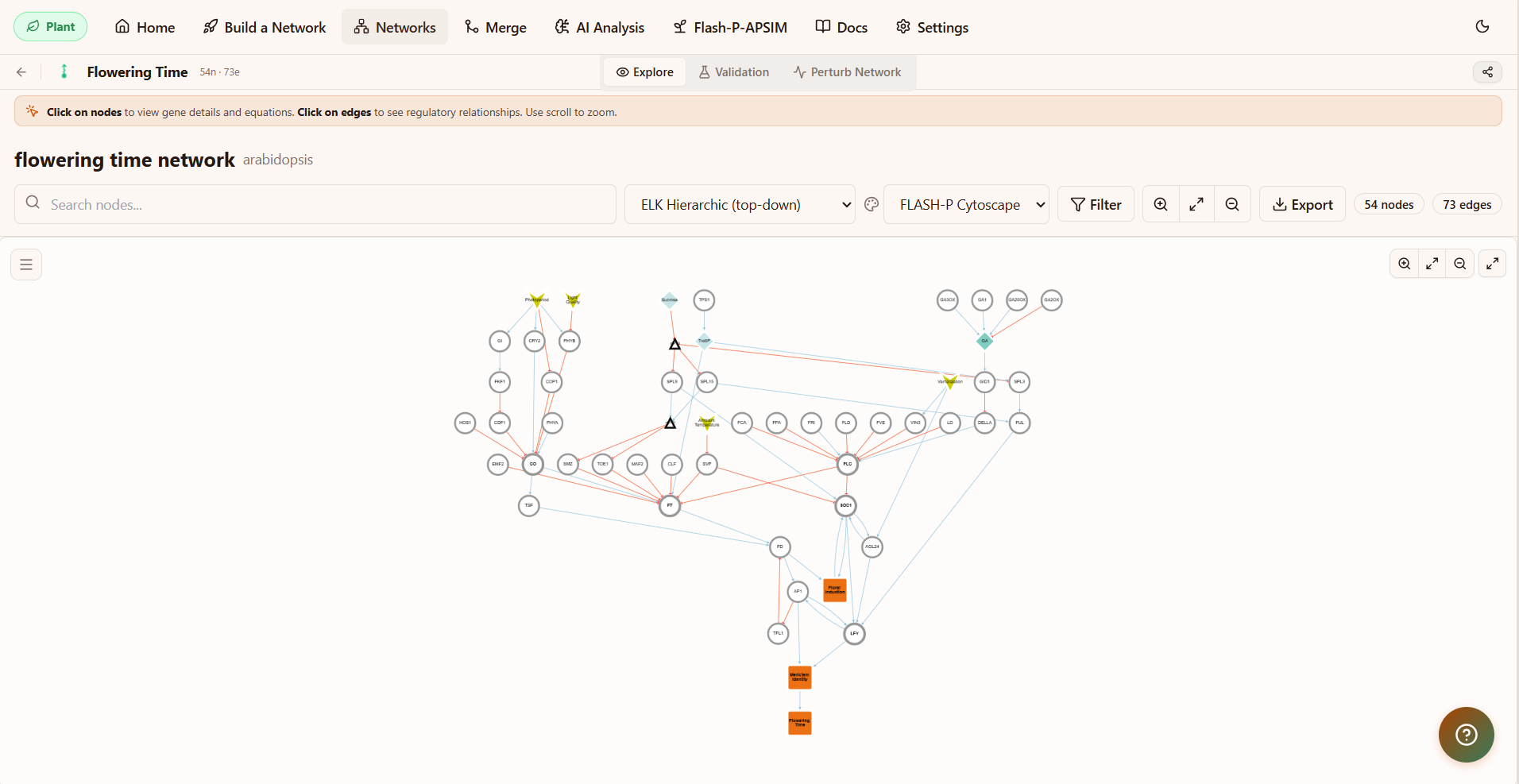
- The app bundles pipeline scripts, example networks (flowering time, shoot branching, breast cancer, p53), and all agent instructions.
Desktop Features
Full Pipeline
Run the complete 9-step pipeline locally
Offline Mode
Build networks without internet (cached data)
Auto-Updates
Always get the latest agents and validators
Claude Code
Native integration with Claude Code CLI
Version History
Previous releases from GitHub
System Requirements
Minimum
- 4 GB RAM
- 500 MB disk space
- Python 3.10+
- Internet for AI features
Recommended
- 8 GB RAM
- 1 GB disk space
- Python 3.12+
- Claude Code CLI installed
Supported OS
- Windows 10/11 (x64)
- WSL 2 (Ubuntu 22.04+)
- macOS 12+ (Intel/ARM)
- Ubuntu 20.04+ / Fedora 38+